eCommerce site design starts with the structure.
Before a page is drawn, an online store needs a structure: categories, attributes, menus and addresses that match how your customers look for products. DIGITALON plans that structure from your range, then designs and builds the store on WooCommerce.
Structure is the design shoppers feel.
Most people judge a store by its look, but they use it through its structure. When categories follow the way your customers think, sizes and colours sit in filters rather than product names, and every product is a few clicks from the home page, shoppers find things without searching. When the structure is an afterthought, even a beautiful design leaves them scrolling.
In WooCommerce the structure is made of categories, which can nest, attributes such as size, colour or material, which drive filters and variations, and tags for themes that cut across categories. We plan it with you from your product list and the words your customers search for, before the design starts, so the menu, the filters and the page addresses are settled early.
To find it without searching.
A clear path from the menu to the product.
- Categories that make sense
- Filters for size and colour
- A quick way back up
A structure that can grow.
Room for new ranges without a rebuild.
- Attributes, not product names
- Edits that cross categories
- Addresses that stay put
How an eCommerce site's structure is planned.
Six decisions shape the structure of every store we design. Making them before the design starts keeps the menus, filters and addresses stable.
Categories from the customer's view
Group products the way buyers think about them, not the way a supplier invoice lists them. A homewares shop might sort by room before product type. Keep the top level short enough to fit a menu, and nest the rest beneath it.
Attributes for what shoppers compare
Size, colour, material, brand and fit belong in attributes, not in product names. Attributes power the filters in Standard and Premium, keep variations tidy, and let a shopper narrow a long category to the handful of products that suit them.
Menus that mirror the categories
The main menu shows the top categories and the most-used sub-categories; Premium's mega menu can lay out a larger range in one panel. Every menu item should lead to a real category page, not a dead end or a search.
Breadcrumbs and a way back
On a phone, shoppers often land on a product from a search rather than the home page. Breadcrumbs show where the product sits, so one tap takes them back to its category and the products beside it.
Cross-category edits without duplicates
Gift ideas, new arrivals, a sale or a seasonal edit draw from several categories at once. Tags or a dedicated collection page handle these without moving products out of their categories or copying them.
Addresses planned before launch
Category and product addresses come from the structure, so changing it later means redirects. Settling the structure first gives every page a short, readable address that stays put, which helps shoppers share links and search engines keep the pages they have found.
Structure, design and build in one price.
Every package includes planning the structure, the custom design and the WooCommerce build. Product filters come with Standard; a mega menu for a larger range comes with Premium.
Basic
A simple online shop with everything it takes to sell properly.
$4,990One-off build price
- 6 pages: home, about, contact, shop, cart and checkout
- Mobile optimisation
- Card and PayPal payments
- Flat-rate or free shipping
- WordFence firewall and SSL certificate
- Links to your social media
- Nightly backups
Standard
A professional store for a real catalogue, with accounts and automation.
$5,990One-off build price
- 10 website pages
- Everything in Basic, plus
- Search engine optimisation (SEO)
- Customer accounts and order history
- Product filters and categories
- PDF invoices and packing slips
- Wish list and discount coupons
- Advanced shipping rules
- Google Analytics
- 1:1 website training
Premium
For stores pushing on sales: more ways to pay, find and follow an order.
$7,990One-off build price
- 20 website pages
- Everything in Standard, plus
- AI search optimisation (GEO)
- Mega menu
- Apple Pay, Google Pay and Afterpay
- Shipping cost calculator and order tracking
- Live product search and product compare
- Blog
- Your CRM integrated
Hosting, your domain, your payment provider’s transaction fees and ongoing maintenance are separate. The page counts are website pages, not a product limit: catalogue size, product imports, migrations and custom integrations are agreed and quoted before work starts. Compare every inclusion and the optional features on eCommerce pricing, or see website design packages if you do not need a shop.
Your store, your hosting, your login.
Every DIGITALON store is a custom WordPress and WooCommerce build. WooCommerce is free and open source, takes no commission on your sales and runs on hosting you choose, with the administrator login yours from day one.
The shop and the pages that bring shoppers to it live in one WordPress site, edited the same way. You can run it yourself, or hand the updates to the team that built it.
No platform commission
Your payment provider charges its transaction fee. WooCommerce itself takes no percentage of your sales and has no monthly platform fee.
Hosting you choose
Keep your own host, or use our managed WordPress hosting, sized for the catalogue and the traffic you expect.
Care after launch
Our maintenance packages cover plugin and WooCommerce updates, backups, security checks and support.
One Australian team
The people who scope, design and build the store are the people who answer your questions, from Wurtulla on the Sunshine Coast.
From brief to first order.
A basic store usually takes two to three weeks. Extra features and integrations add time, and we tell you how much before we begin.
Scope and price
We agree the pages, catalogue, features and search work, then confirm the package, any extras and the payment stages in writing.
Design
You see the design and sign it off before the build starts, while changing a layout is still quick.
Build and test
Products, payments, shipping and tax are set up in WooCommerce, then tested with real orders on a phone and a desktop.
Launch and hand over
We go live and hand over your administrator login. Standard and Premium include one-to-one training on your own store.
Online stores we have built.
These are stores and online sales sites our team designed and built. They show completed work, not a promise of the same result for every business.
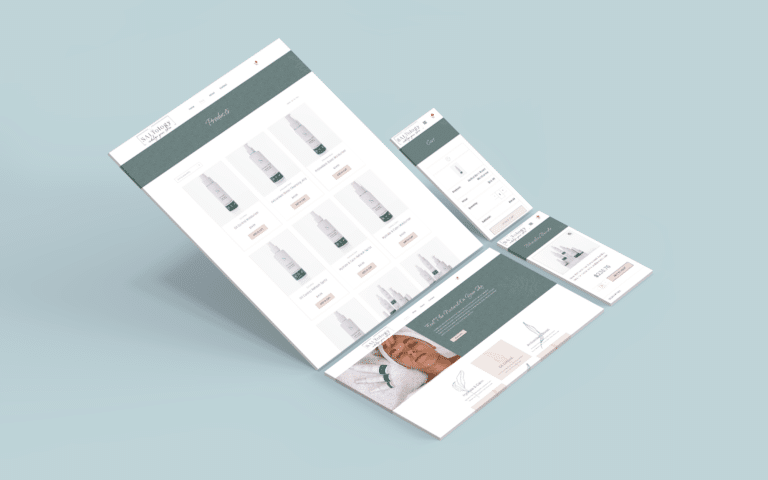 Beauty & skincareNatural Skincare Shop
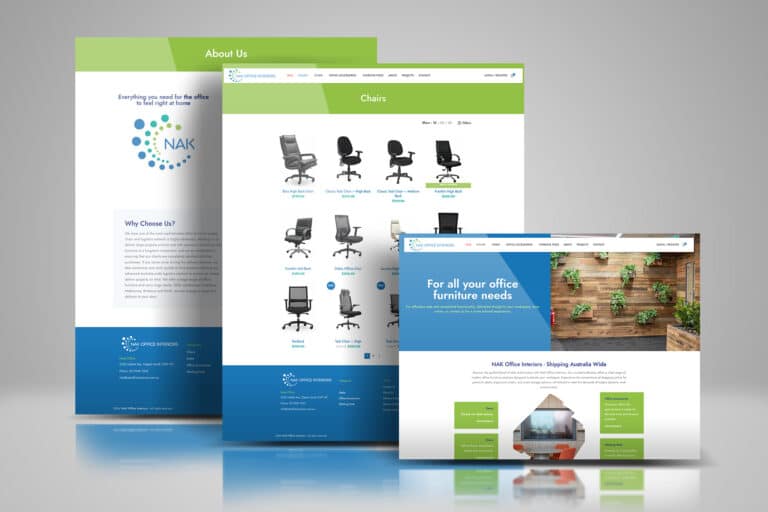 FurnitureOffice Furniture Shop
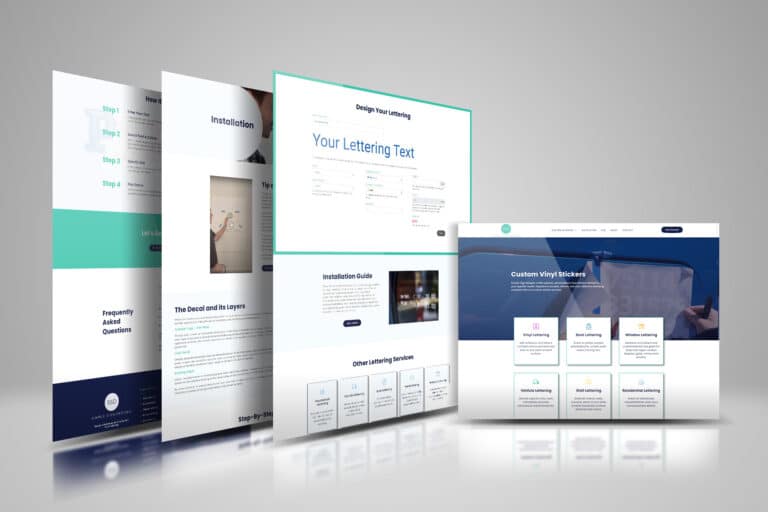 Made to orderCustom Vinyl Lettering
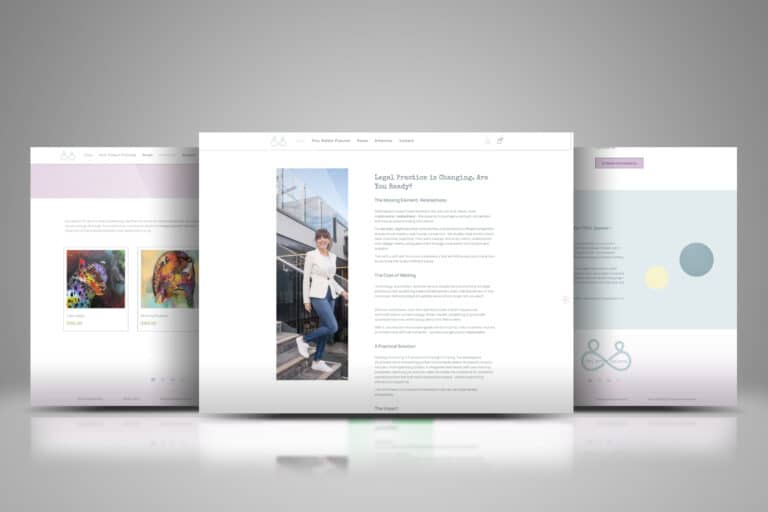 Books & consultingLegal Consulting & Author
 Retreats & coursesHoffman Process Australia
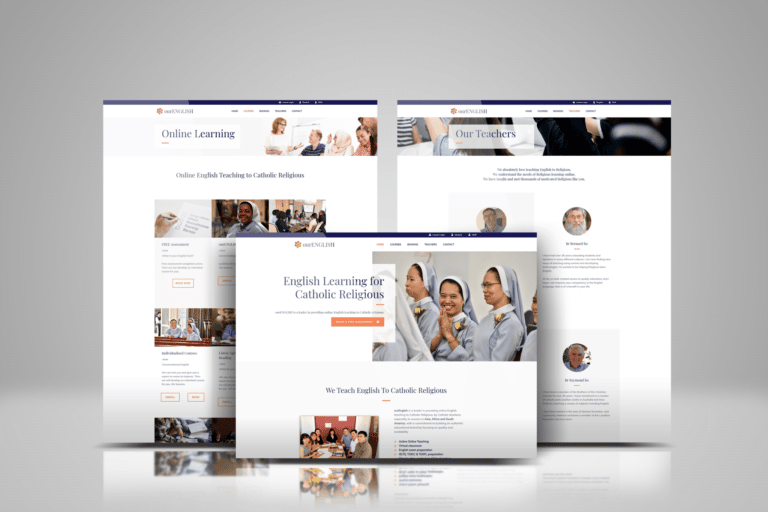 CoursesOnline English Teaching
The client view.
I was very impressed as they were very responsive and helpful as I was a newbie. Good communication with Sabrina who took the time to explain all the process and gave some tips.
eCommerce site design questions.
Cost, GST, categories, filters, addresses, search, timing and upkeep.
Ask us about your storeIs planning the structure part of the design price?
Yes. Planning the structure, the custom design and the WooCommerce build come in one one-off price: $4,990 for Basic (6 pages), $5,990 for Standard (10 pages) or $7,990 for Premium (20 pages). Large product imports and custom features are quoted before work starts.
Compare the inclusions on eCommerce pricing.
Does GST come on top of the site design price?
No, it is already included. The three prices are in Australian dollars with GST counted, and your tax invoice shows it. Hosting, your domain and payment provider fees are separate.
How many categories should our store have?
As few top-level categories as cover your range clearly, usually few enough to sit across one menu, with sub-categories beneath them. We work it out from your product list rather than a set number, and keep each category large enough to deserve a page of its own.
Can one product sit in more than one category?
Yes, WooCommerce allows it, but it works best used sparingly. A product that genuinely belongs in two places, such as a gift set under gifts and under skincare, can appear in both; for themes like new arrivals or a sale, a tag or collection page is tidier.
Which package includes product filters?
Standard and Premium. Filters are built from your attributes, so shoppers can narrow a category by size, colour, material or price. A Basic store relies on categories alone, which suits a small range that shoppers can scan in one go.
Can we change the categories after launch?
Yes. You can rename, add and reorganise categories in WooCommerce yourself, from the administrator login you hold. Renaming a category or moving products changes their addresses, so add a redirect from the old address; a structure planned before launch means far fewer of those changes.
Does the site structure help with SEO and AI search?
It is the starting point. From Standard, keyword and category research shapes the categories and their names, and each category page gets its own title and description; Premium adds AI search optimisation (GEO). No one can promise a ranking or an AI citation.
What do you need from us to plan the structure?
A product list, even a rough spreadsheet, with the details that set products apart, such as sizes, colours, materials and brands, plus how you describe the range to customers and any categories you use now. We turn it into a proposed structure for you to approve before the design starts.
How much time does planning the structure add?
It is part of the build rather than an extra stage: a basic store usually takes two to three weeks from start to launch. A large range with many attributes takes longer to plan and load, and we agree the timing with the price.
Who keeps the structure in order as the range grows?
You can add categories, attributes and products yourself, and Standard and Premium include one-to-one training on your own store. If you would rather hand that work over, our maintenance packages cover updates and support.
Let's map your range first.
Send us your product list, even a rough spreadsheet, and tell us how your customers describe what they want. We will suggest how the range could be organised, recommend a package and confirm the price in writing before the design starts, from our team at Wurtulla on the Sunshine Coast.