Wedding venue website design. Make your work the centrepiece.
Wedding venue website design with clear content and an easy next step. Custom WordPress websites by DIGITALON’s Australian team.
Make venue information and enquiry paths easy to use.
Organise current venue spaces, inspections and wedding enquiries so people can quickly find the relevant information and next step. Clear page structure, practical details and well-labelled contact routes make the site easier to use on any screen.
01Venue information organised for decisions
Group venue spaces, ceremony and reception information, and inspection routes so visitors can find the relevant option without scanning one long list. Short factual pages and clear dates help people decide what to explore next.
02Enquiries matched to the event
Give general visitors, groups and organisers the contact route that matches the real process. A website can collect an initial request while the operator retains control of availability, follow-up and event confirmation.
03Venue details visitors can use
Present approved location, arrival, access and venue information alongside the relevant event or booking route. This makes practical planning easier without turning general website copy into a promise about every event arrangement.
04A site your team can maintain
Nominated staff can maintain agreed WordPress pages for venue, wedding and enquiry updates. Define a simple review process for dates, links and published information; provider-run booking, accounts and live data remain scoped to the relevant system.
A website with more
than good looks.
Design gets their attention. Clear information and an easy next step help them decide what to do with it.
Built to be found
A clear page structure, relevant content and a sound WordPress foundation. SEO setup starts with Standard, shaped around the services your customers search for.
Ready for the next search
GEO setup is included with Premium. Clear answers and structured information help search and AI tools understand your business, without promising a ranking or recommendation.
A clear next step
Calls, enquiry forms and supported booking connections belong where people need them. We plan each journey around the action your business wants a visitor to take.
Wedding venue website design packages.
Choose the space your services and story need. The same in-house design and development team, with a package to suit the scope.
Essentials
A focused website for a clear service offer.
5 custom-designed pages
- Australian designers and developers
- Mobile optimisation
- Self-editable content
- SSL certificate
- Links to your social media
- Royalty-free stock images
- Nightly backups
Standard
More room for your services, team and expertise.
10 custom-designed pages
- Everything in Essentials, plus
- Search engine optimisation (SEO)
- Image gallery with categories
- Smart image compression
- Customer testimonials slider
- WordFence firewall
Premium
A broader website with room for detailed content.
20 custom-designed pages
- Everything in Standard, plus
- AI search optimisation (GEO)
- Self-editable portfolio or blog
- Mega menu
- Google Analytics
- Spam protection technologies
- 1:1 website training
- Visitor insights reports
Digitalon was a terrific choice of supplier for the Website development component of the project. … The project was completed on-time, on budget while exceeding our expectations.
“Your expertise in web design, SEO, and so much more is amazing. Thank you for listening so carefully to our brief … It’s amazing to have DIGITALON just around the corner on the Sunshine Coast!”
“From the initial enquiry right through to the final handover their customer service was impeccable. … Their expertise is second to none, innovative & professional.”
“I am by no means tech savvy and they made it easy for me to understand everything … 100% happy with the website outcome!”
Good design.
Real websites.
A selection of DIGITALON websites across the industries we work with. Open a project to see the work in detail.
 ExhibitionsElite Projex
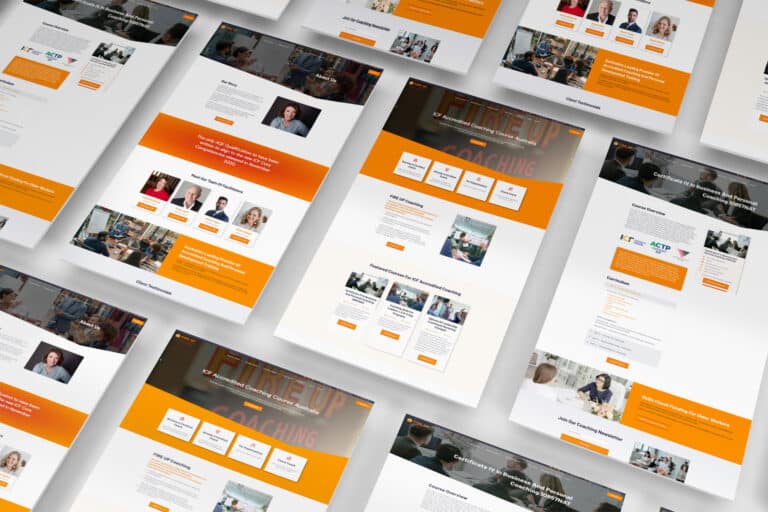 CoachingFIRE UP Coaching
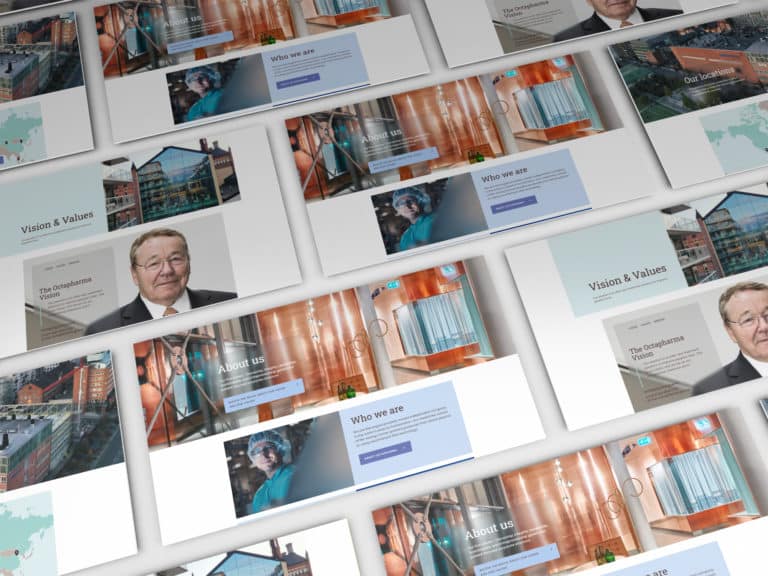 PharmaOctapharma Australia
 MedicalSunshine Coast & Wide Bay Gynaecology
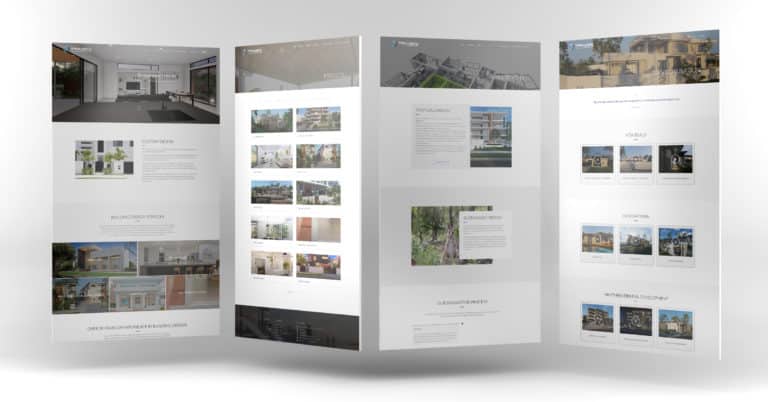 BuildingTaylor’d Distinction
 MedicalDr Sujie
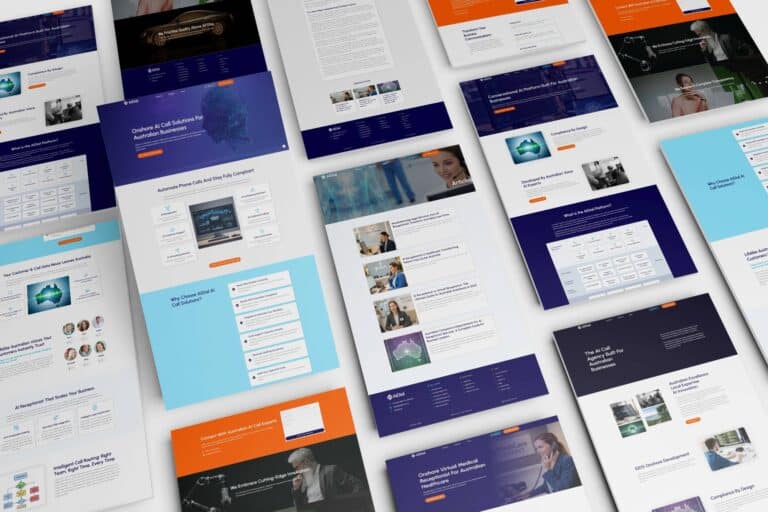 TechnologyAiDial
Every project has its own audience, services and story. These examples show our work across the sectors named below each image.
View the full portfolioWhat visitors need before they get in touch.
Wedding venue website design should help couples compare ceremony spaces, reception layouts, guest capacity, accommodation where available and viewing options. Use current photographs, maps and practical access information that represent the actual venue. Enquiry and tour requests should capture the preferred date, guest numbers and event style before staff discuss availability or packages.
Current venue and wedding details
Prepare the approved venue, inspection and wedding information that couples, families and wedding planners need before making contact. Keep dates, times, locations and any conditions you publish current, and name the person responsible for updates.
Clear booking and enquiry routes
Map the real path for inspections, bookings or enquiries before design starts. Explain whether a visitor uses an existing provider, requests a callback or contacts a team member. More complex payments, live availability and integrations are assessed separately.
Practical visit information
Gather current information about arrival details, venue features, approved ceremony or reception information and the right wedding contact. Use only details the operator can confirm and maintain, then make the essentials readable on a phone rather than relying on an image or social post.
Publishing ownership
Agree who updates tour dates, venue information and external links after launch. WordPress can support ordinary content updates; third-party feeds, booking systems and higher-volume workflows need their supplier options and responsibilities checked first.
We deliver.
You celebrate.
Seven steps from picking a package to showing off the result. No stage starts before you have signed off on the one before it, so you always know exactly where your project is.
Start my project-
Step 01
Select a package.
Pick the package that fits, or tell us what you need and we will scope it with you.
-
Step 02
First contact.
A call or a face-to-face meeting about your business and what the site has to do.
-
Step 03
Project proposal.
A written scope and a quote, based on that conversation. No surprises later.
-
Step 04
Sign the contract.
Contract signed and a 30% deposit paid, and your project starts — no queue.
-
Step 05
Initial design.
Your first website design, usually one to two weeks in, ready for your feedback.
-
Step 06
Revisions.
Three rounds of revisions to structure and content, until you are happy with it.
-
Step 07
Go live.
Your site launches, with the admin login and the training to run it yourself.
Wedding venue website design questions.
A few things to consider before planning your new website.
Let’s talkCan a wedding venue website make spaces and inspection information easy to compare?
Yes. Organise venue spaces, ceremony and reception information, and inspection routes around the choices couples, families and wedding planners need to make. Your team supplies and approves the published information. A simple editable area can keep tour, viewing and venue information current; availability and booking connections are assessed against the provider you already use.
Can visitors use our existing booking or enquiry system?
Often. Start by checking the provider's supported link or embed and the journey it gives couples and planners. A direct route may be the right first release. Availability, confirmations, payments and custom connections remain with the chosen provider and need separate scope where more work is required.
What should sit on a wedding venue page?
Include the venue space, approved capacity guidance, location, available facilities, practical access information and the inspection or enquiry route. Keep the essential details as page text rather than only in an image or downloadable file, so visitors can understand the option on a phone before using the relevant booking or enquiry route.
Can the site support inspection and wedding enquiries?
Yes. A focused form can collect the practical details your team needs, then pass the request into the established follow-up process. Confirmed dates, availability, payments and event terms stay with the venue or the chosen provider, so the website accurately begins an enquiry rather than replacing that process.
Can staff update venue spaces, ceremony and reception information, and inspection routes when plans change?
Nominated staff can update agreed WordPress venue, wedding and enquiry content after handover. Decide whether the website or an external provider is the source of truth for each change, and give staff a simple review step. Provider-managed booking, customer accounts and live availability remain in the relevant system.
Is SEO included with a wedding venue website?
SEO setup starts with the Standard 10-page package, while GEO setup starts with Premium's 20 pages. Clear venue, inspection and wedding information gives the site a useful structure for search. Ongoing SEO and additional content are separate services, and search visibility, attendance and bookings depend on factors beyond a website build.
How should a wedding venue handle inspection requests online?
Use a concise form that asks for the preferred wedding date, estimated guest count, contact details and whether the couple would like a tour or information pack. Link it to the venue's existing follow-up process. Staff can then confirm viewing times, event suitability and current availability without relying on a generic calendar alone.
Can we start with the main pages and add more later?
Yes. Agree the essential page list first, then identify the content you would like to add later. We plan the navigation so the initial site is useful on its own. Additional page design, specialist functionality and third-party connections are quoted to their scope when you are ready to proceed.