Educational consultant website design. Open the door to learning.
Educational consultant website design with clear content and an easy next step. Custom WordPress websites by DIGITALON’s Australian team.
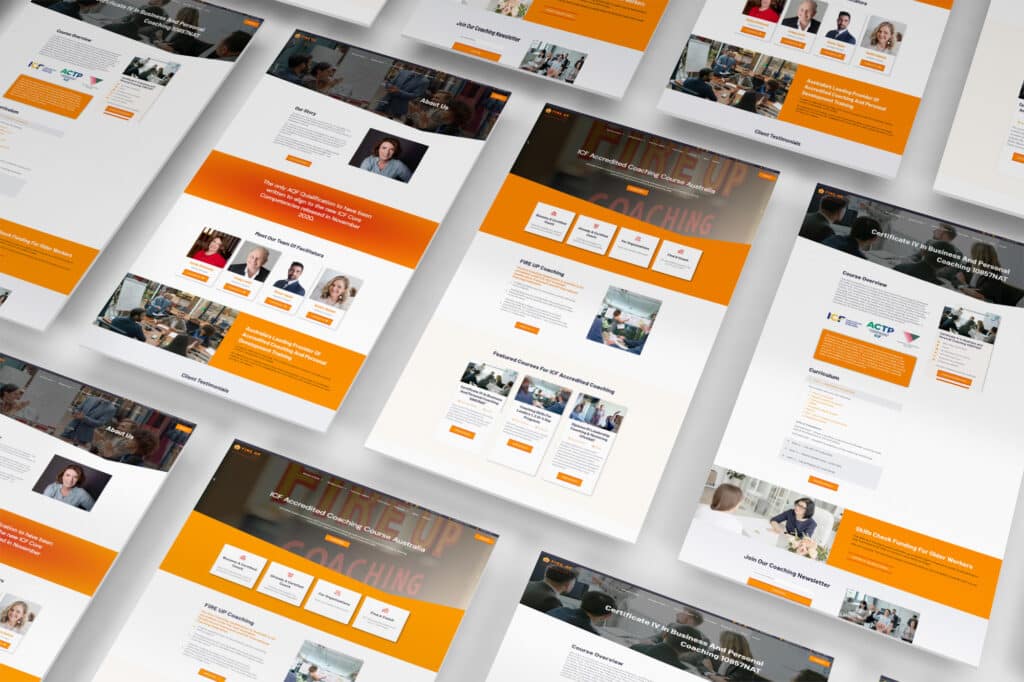
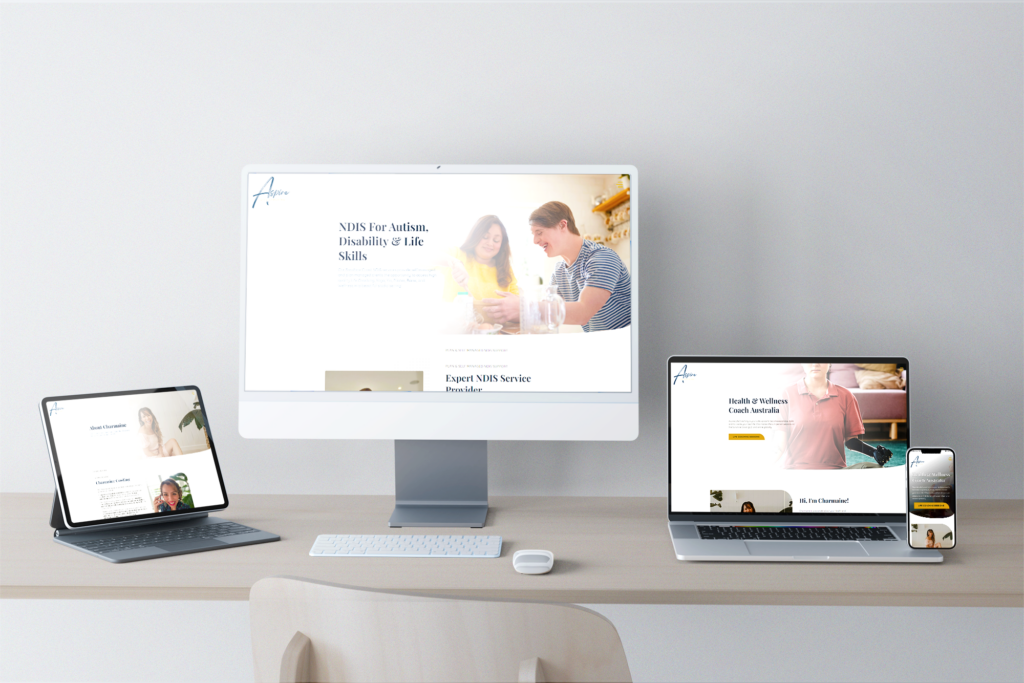
A selection of our website design work.
Organise programs, people and enrolment steps clearly.
Show learners what your programs cover, how they are delivered and what to do next. Organise course information and enquiries around the decisions people make before enrolling.
01Programs grouped for decision-making
Courses, classes, lessons or training services can be organised by audience, level, format or subject so visitors can find the right starting point. Your organisation approves curriculum, prerequisites and outcomes. The structure should not imply every course is always open, accredited or suitable for every learner.
02Enrolment paths that match reality
The site can direct people to an approved enrolment, enquiry or information-session route. Where a provider uses a learning platform or external form, a clear link may be enough. Online payment, student accounts, progress tracking and custom admissions workflows are optional additions assessed separately.
03Teachers, schedules and locations
Structured pages can introduce approved educator biographies, delivery formats, campuses and current session information. Calendars work best when there is a named owner. Timetables, availability and qualification claims should be maintained carefully so a visitor is not relying on expired material.
04Resources with a sensible access plan
Public guides, course outlines and FAQs can support an enrolment decision. Private course libraries, downloads, memberships and protected learning resources need a clear access, payment and maintenance model. We can scope the appropriate platform work once the learning journey and content ownership are defined.
A website with more
than good looks.
Design gets their attention. Clear information and an easy next step help them decide what to do with it.
Built to be found
A clear page structure, relevant content and a sound WordPress foundation. SEO setup starts with Standard, shaped around the services your customers search for.
Ready for the next search
GEO setup is included with Premium. Clear answers and structured information help search and AI tools understand your business, without promising a ranking or recommendation.
A clear next step
Calls, enquiry forms and supported booking connections belong where people need them. We plan each journey around the action your business wants a visitor to take.
Educational consultant website design packages.
Choose the space your services and story need. The same in-house design and development team, with a package to suit the scope.
Essentials
A focused website for a clear service offer.
5 custom-designed pages
- Australian designers and developers
- Mobile optimisation
- Self-editable content
- SSL certificate
- Links to your social media
- Royalty-free stock images
- Nightly backups
Standard
More room for your services, team and expertise.
10 custom-designed pages
- Everything in Essentials, plus
- Search engine optimisation (SEO)
- Image gallery with categories
- Smart image compression
- Customer testimonials slider
- WordFence firewall
Premium
A broader website with room for detailed content.
20 custom-designed pages
- Everything in Standard, plus
- AI search optimisation (GEO)
- Self-editable portfolio or blog
- Mega menu
- Google Analytics
- Spam protection technologies
- 1:1 website training
- Visitor insights reports
Digitalon was a terrific choice of supplier for the Website development component of the project. … The project was completed on-time, on budget while exceeding our expectations.
“Your expertise in web design, SEO, and so much more is amazing. Thank you for listening so carefully to our brief … It’s amazing to have DIGITALON just around the corner on the Sunshine Coast!”
“From the initial enquiry right through to the final handover their customer service was impeccable. … Their expertise is second to none, innovative & professional.”
“I am by no means tech savvy and they made it easy for me to understand everything … 100% happy with the website outcome!”
Good design.
Real websites.
A selection of DIGITALON websites across the industries we work with. Open a project to see the work in detail.
Coaches & Consultants, Corporate & Manufacturing, Education & TrainingFIRE UP CoachingCoaches & Consultants, NDIS ProvidersAspire Life Coaching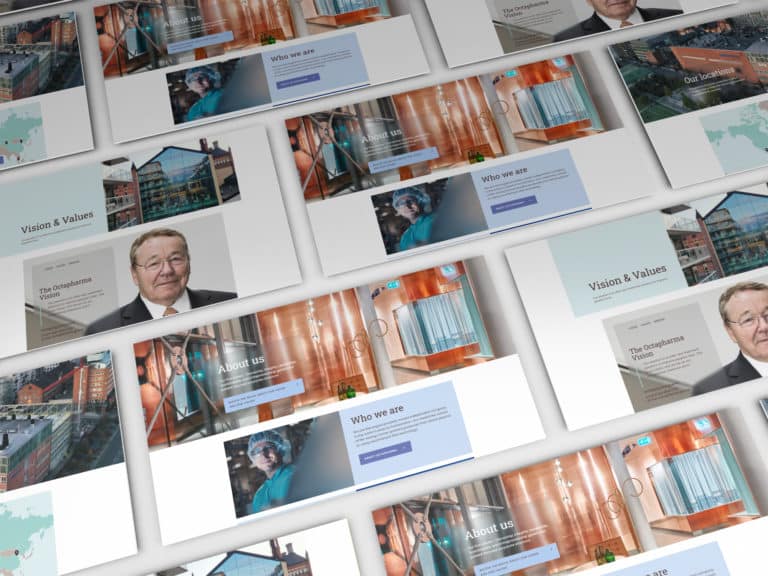 PharmaOctapharma Australia
 MedicalSunshine Coast & Wide Bay Gynaecology
 ExhibitionsElite Projex
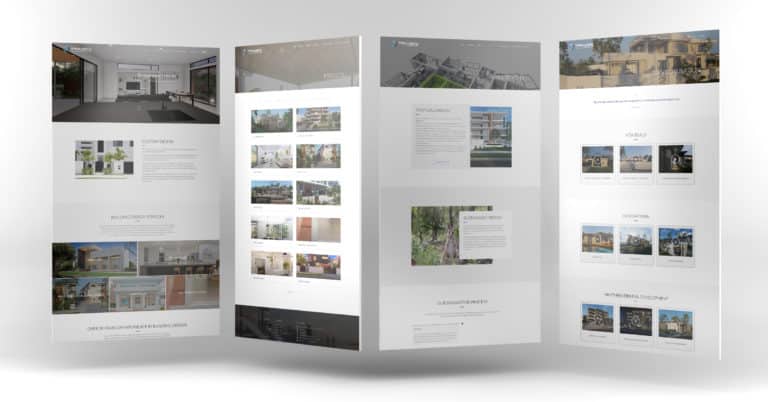 BuildingTaylor’d Distinction
 MedicalDr Sujie
Every project has its own audience, services and story. These examples show our work across the sectors named below each image.
View the full portfolioWhat a learner or parent needs before taking the next step.
Educational consultant website design should explain the consulting areas, engagement formats and organisational information useful before a discussion. Separate school, family or institutional projects where relevant, introduce the consultant’s approach in practical terms and use an enquiry route that captures the goals and setting of the work.
Programs, dates and entry information
Prepare the current programs, delivery formats, locations, prerequisites, dates and the questions learners or parents commonly ask. Decide who approves course descriptions and credentials. Avoid publishing a broad promise of accreditation, employment, completion or availability unless the responsible provider has confirmed it.
The enrolment and enquiry process
Map whether people should enquire, attend an information session, apply, enrol through another provider or pay online. Explain what happens at each step. A form acknowledgement should not suggest that a place, payment, assessment result or entry requirement has already been confirmed.
Educator and student material
Gather approved tutor or teacher biographies, program imagery, testimonials and course resources you have permission to publish. Protect student privacy and use factual captions. If you show learner outcomes, ensure they are genuine, contextual and do not promise the same result for future participants.
Platform and access decisions
List the learning platform, payment service, video provider, calendar and CRM you use today. A straightforward site can link to those tools. Course delivery, student accounts, memberships, quizzes and protected libraries need separate technical, licence and ongoing-support review before they are included.
We deliver.
You celebrate.
Seven steps from picking a package to showing off the result. No stage starts before you have signed off on the one before it, so you always know exactly where your project is.
Start my project-
Step 01
Select a package.
Pick the package that fits, or tell us what you need and we will scope it with you.
-
Step 02
First contact.
A call or a face-to-face meeting about your business and what the site has to do.
-
Step 03
Project proposal.
A written scope and a quote, based on that conversation. No surprises later.
-
Step 04
Sign the contract.
Contract signed and a 30% deposit paid, and your project starts — no queue.
-
Step 05
Initial design.
Your first website design, usually one to two weeks in, ready for your feedback.
-
Step 06
Revisions.
Three rounds of revisions to structure and content, until you are happy with it.
-
Step 07
Go live.
Your site launches, with the admin login and the training to run it yourself.
Educational consultant website design questions.
A few things to consider before planning your new website.
Let’s talkCan the site take enrolments online?
Possibly, depending on the process and platform your organisation uses. We can link to or assess a supported enrolment route. Online applications, payments, student accounts and eligibility checks need clear provider, data and support decisions. A basic website enquiry form is not automatically an enrolment system.
Can we sell courses or memberships?
Yes, as separately scoped functionality when the course platform, payments, content access and customer support process are ready. Some providers only need a program page and enquiry route. Memberships, recurring billing, private libraries and integrations are not assumed in a standard website package.
Can we publish a course timetable?
Yes, if a named team member can keep it current. A simple editable schedule often works well. External calendars, live availability and booking systems need their own provider review. The site should clearly distinguish a published session from a confirmed place in that session.
Can we show qualifications and outcomes?
You can publish approved educator qualifications, course recognition and factual student information your organisation is entitled to use. The responsible provider should review every claim. Avoid promising an accreditation, employment result, completion time or learner outcome that depends on an individual's circumstances or external assessment.
Is SEO included for training pages?
Current Standard website packages include SEO setup and Premium includes GEO setup, with agreed on-page foundations in every build. Ongoing SEO and regular course content are separate. We can organise pages around real learner questions, but do not guarantee rankings, enrolments or course sales.
What content should an educator prepare?
Bring current program descriptions, dates, locations, educator biographies, entry information, approved imagery and the enrolment or enquiry route. Note what changes often and who approves it. This gives the project a clear content plan before deciding whether optional learning-platform or payment work is needed.
What should an educational consulting enquiry include?
Ask for the organisation or family context, the learning or program area to discuss, the intended timeframe and a preferred contact method. Those details help the consultant begin a focused conversation, while service pages can explain the available engagement formats.
Can we start with the main pages and add more later?
Yes. Agree the essential page list first, then identify the content you would like to add later. We plan the navigation so the initial site is useful on its own. Additional page design, specialist functionality and third-party connections are quoted to their scope when you are ready to proceed.