Computer repair website design. Make the complex clear.
Computer repair website design with clear content and an easy next step. Custom WordPress websites by DIGITALON’s Australian team.
Turn technical information into a useful buying path.
Turn a detailed offer into a website people can navigate. Explain capabilities, applications and the next step with a structure suited to technical buyers and business decision-makers.
01Capabilities linked to real use cases
Pages can separate the products, services or technical capabilities you actually offer, then connect them to approved customer scenarios. A clear hierarchy helps a visitor identify relevance without turning generic benefit language into a promise of performance, compatibility, savings or business outcome.
02Content for more than one decision-maker
A B2B site can provide short summaries for executives alongside practical material for technical or operational reviewers. Case studies, documentation and integrations should use approved factual statements. Avoid publishing security, uptime, compliance or partner claims unless the responsible team has verified them.
03Demos and enquiries matched to sales
The site can direct visitors to a demo, discovery call, quote request or existing support portal using the workflow your team prefers. Lead routing, calendar tools, CRM automation and account access are optional additions assessed against current systems and the information genuinely needed at first contact.
04Resources with an ownership model
Guides, implementation notes, public documentation and customer stories can support a longer buying process when someone owns updates. Knowledge bases, gated resources, customer portals and API documentation may need separate structure, permissions and integration work before they are included.
A website with more
than good looks.
Design gets their attention. Clear information and an easy next step help them decide what to do with it.
Built to be found
A clear page structure, relevant content and a sound WordPress foundation. SEO setup starts with Standard, shaped around the services your customers search for.
Ready for the next search
GEO setup is included with Premium. Clear answers and structured information help search and AI tools understand your business, without promising a ranking or recommendation.
A clear next step
Calls, enquiry forms and supported booking connections belong where people need them. We plan each journey around the action your business wants a visitor to take.
Computer repair website design packages.
Choose the space your services and story need. The same in-house design and development team, with a package to suit the scope.
Essentials
A focused website for a clear service offer.
5 custom-designed pages
- Australian designers and developers
- Mobile optimisation
- Self-editable content
- SSL certificate
- Links to your social media
- Royalty-free stock images
- Nightly backups
Standard
More room for your services, team and expertise.
10 custom-designed pages
- Everything in Essentials, plus
- Search engine optimisation (SEO)
- Image gallery with categories
- Smart image compression
- Customer testimonials slider
- WordFence firewall
Premium
A broader website with room for detailed content.
20 custom-designed pages
- Everything in Standard, plus
- AI search optimisation (GEO)
- Self-editable portfolio or blog
- Mega menu
- Google Analytics
- Spam protection technologies
- 1:1 website training
- Visitor insights reports
Digitalon was a terrific choice of supplier for the Website development component of the project. … The project was completed on-time, on budget while exceeding our expectations.
“Your expertise in web design, SEO, and so much more is amazing. Thank you for listening so carefully to our brief … It’s amazing to have DIGITALON just around the corner on the Sunshine Coast!”
“From the initial enquiry right through to the final handover their customer service was impeccable. … Their expertise is second to none, innovative & professional.”
“I am by no means tech savvy and they made it easy for me to understand everything … 100% happy with the website outcome!”
Good design.
Real websites.
A selection of DIGITALON websites across the industries we work with. Open a project to see the work in detail.
 ExhibitionsElite Projex
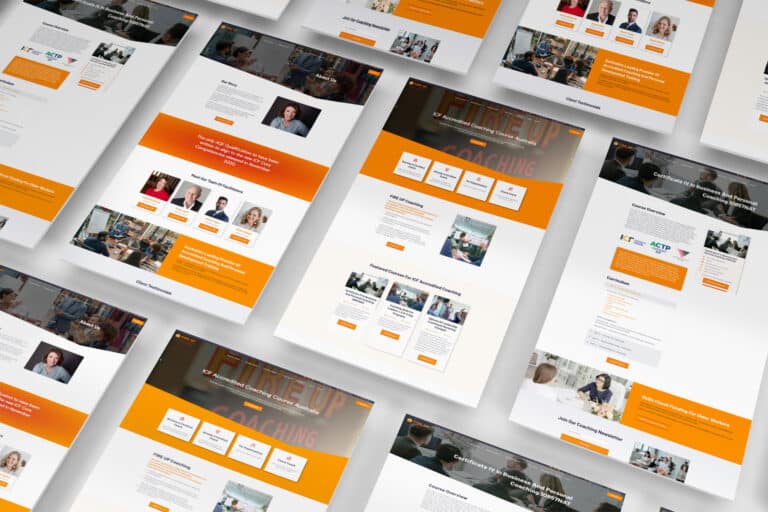 CoachingFIRE UP Coaching
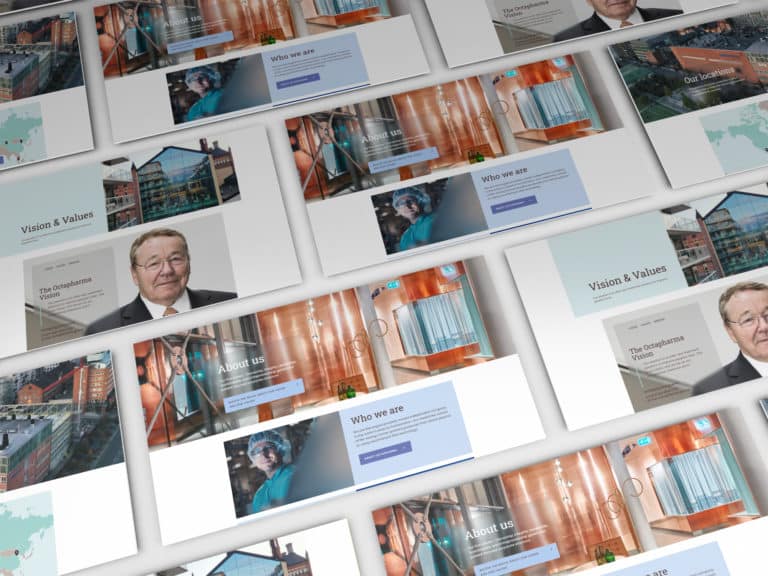 PharmaOctapharma Australia
 MedicalSunshine Coast & Wide Bay Gynaecology
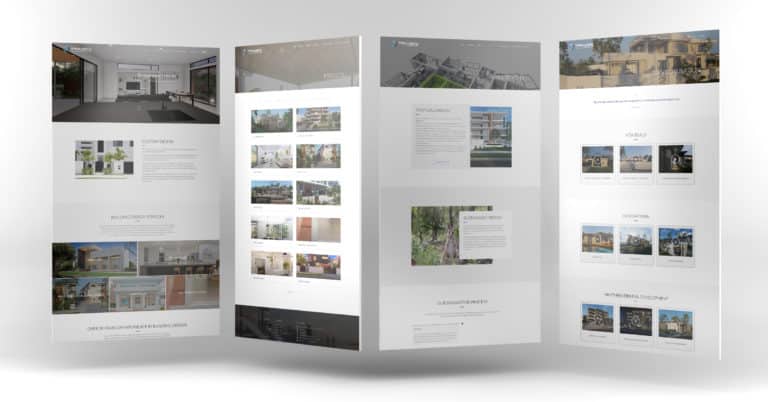 BuildingTaylor’d Distinction
 MedicalDr Sujie
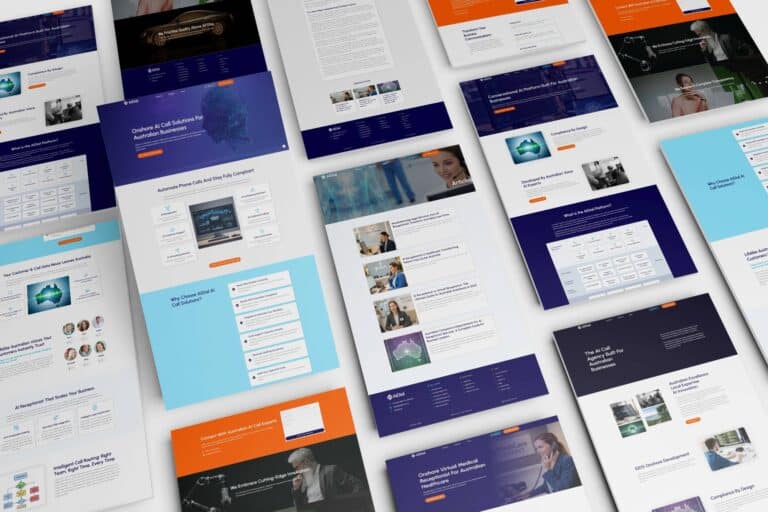 TechnologyAiDial
Every project has its own audience, services and story. These examples show our work across the sectors named below each image.
View the full portfolioWhat a B2B buyer needs before speaking with your team.
Computer repair website design should separate device repairs, business support and data-related concerns so customers can describe the right issue. Include workshop or service-area information, model and fault prompts, and a focused enquiry path that helps the technician understand whether the request concerns a laptop, desktop or network.
The offer, buyer and use case
Confirm the products, services, buyer roles and customer problems you want to describe. Gather language your sales and delivery teams approve. The site should distinguish current capability from a future idea, and should not promise integration, automation, performance, cost reduction or a business result without evidence.
Technical, security and compliance claims
List the verified facts you are permitted to publish about hosting, data, security controls, standards, certifications and partner relationships. Assign a responsible reviewer. A website can present approved information, but it does not create a guarantee of compliance, uptime, data residency or compatibility for every customer.
The correct contact and demo flow
Decide whether a visitor should request a demo, contact sales, access support, download a guide or use an existing customer portal. Ask only for useful initial information. Calendar routing, CRM automation, account provisioning and support commitments need separate workflow and system review.
Existing platforms and resources
Identify the CRM, marketing forms, support platform, documentation source, customer portal and analytics tools already used. A clear link or basic form may be sufficient at launch. Data connections, SSO, gated access and custom integrations require explicit provider, privacy and maintenance scope.
We deliver.
You celebrate.
Seven steps from picking a package to showing off the result. No stage starts before you have signed off on the one before it, so you always know exactly where your project is.
Start my project-
Step 01
Select a package.
Pick the package that fits, or tell us what you need and we will scope it with you.
-
Step 02
First contact.
A call or a face-to-face meeting about your business and what the site has to do.
-
Step 03
Project proposal.
A written scope and a quote, based on that conversation. No surprises later.
-
Step 04
Sign the contract.
Contract signed and a 30% deposit paid, and your project starts — no queue.
-
Step 05
Initial design.
Your first website design, usually one to two weeks in, ready for your feedback.
-
Step 06
Revisions.
Three rounds of revisions to structure and content, until you are happy with it.
-
Step 07
Go live.
Your site launches, with the admin login and the training to run it yourself.
Computer repair website design questions.
A few things to consider before planning your new website.
Let’s talkCan the website show our integrations?
It can show integrations or partners your business has confirmed and is entitled to name. Each statement should be specific about what is supported. Avoid suggesting every customer connection is automatic or included. Technical access, licences, setup, data handling and custom work are assessed separately for each proposed integration.
Can we add a demo booking tool?
Possibly. We can assess your current calendar or CRM provider and the fields sales needs before a meeting. A clear contact route may be sufficient for some teams. Calendar routing, CRM automation, qualification logic and customer data handling are optional workflow features, not default website package items.
Can the site claim our software is secure or compliant?
Only with precise, approved facts from the responsible technical and legal reviewers. A website should not make sweeping promises of security, legal compliance, uptime or data outcomes. We can present verified statements and direct detailed enquiries to your team; customer requirements still need their own assessment.
Can customers log in through the website?
A site can link to an existing customer portal. Single sign-on, account provisioning, protected resources and support-system integration need separate architecture, provider and data-handling review. They should not be treated as simple design elements because they affect the customer's access and operational workflow.
Can we publish case studies?
Yes, when you have customer permission, accurate facts and a clear review process. A good case study explains the context and work without overstating performance or promising the same result for every buyer. Client names, metrics, security details and project scope should all be approved before publication.
What affects a technology website proposal?
The page plan, product complexity, approved content, documentation, case studies, lead flow and optional systems determine scope. Current core tiers are 5, 10 and 20 pages. Portals, SSO, integrations, gated resources and ongoing SEO are separately assessed before inclusion in the proposal.
What should a computer repair enquiry ask for?
Request the device type, brand or model if known, a concise fault description and the preferred contact method. For business requests, ask for the organisation and broad issue. That information helps the technician direct the conversation before discussing the appropriate service.
Can we start with the main pages and add more later?
Yes. Agree the essential page list first, then identify the content you would like to add later. We plan the navigation so the initial site is useful on its own. Additional page design, specialist functionality and third-party connections are quoted to their scope when you are ready to proceed.