NDIS website design. Make your supports easier to understand.
NDIS website design that makes your supports, service areas and enquiry process clear. DIGITALON builds WordPress websites for providers across Australia.
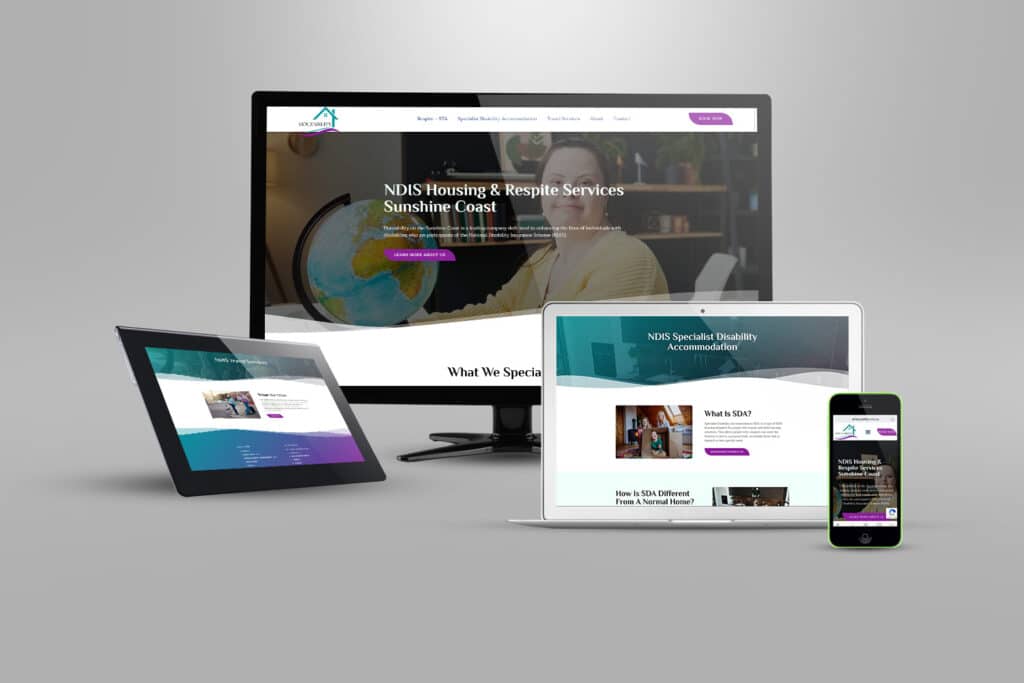
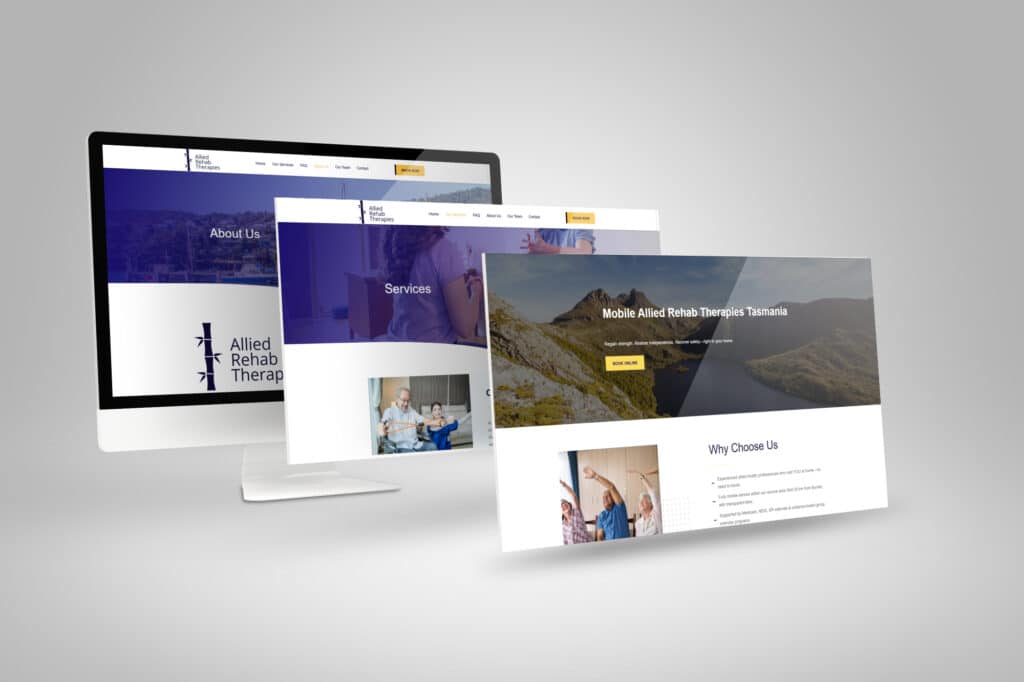
Real websites. Designed by DIGITALON.
A practical website for your organisation.
Your supports and enquiry process guide the build. We agree the required pages, content formats and functionality before quoting, with additional integrations, subscriptions and formal assessments identified separately.
01Support pages with a clear purpose
We can organise your supports into a simple menu, with individual pages where people need a fuller explanation. Area pages are useful when they describe real differences in delivery or contact arrangements. The structure should help visitors understand your organisation without repeating the same text across a long list of suburbs or support categories.
02Accessibility considered in the design
Readable text, useful headings, contrast, descriptive links, labelled forms and keyboard navigation are part of the design approach. We also discuss alternatives for important information in images or documents. Any required accessibility standard, specialist assessment or testing with users needs an agreed scope; a design description alone is not evidence of certification.
03Enquiry and referral options
A short initial enquiry can help your team identify the requested support and a suitable contact method. A detailed referral may belong in an existing intake system. We assess those routes separately, including who receives information and which fields are needed. Connections to participant management or other third-party systems depend on their supported integration options.
04WordPress content your team can update
Your nominated staff can edit agreed support descriptions, service areas and contact information in WordPress. If you publish availability or vacancies, we can plan a manageable way to maintain them within the agreed scope. Assign someone to review those details regularly so visitors can distinguish current opportunities from general information about your services.
A website with more
than good looks.
Design gets their attention. Clear information and an easy next step help them decide what to do with it.
Built to be found
A clear page structure, relevant content and a sound WordPress foundation. SEO setup starts with Standard, shaped around the services your customers search for.
Ready for the next search
GEO setup is included with Premium. Clear answers and structured information help search and AI tools understand your business, without promising a ranking or recommendation.
A clear next step
Calls, enquiry forms and supported booking connections belong where people need them. We plan each journey around the action your business wants a visitor to take.
NDIS website design packages.
Choose the space your services and story need. The same in-house design and development team, with a package to suit the scope.
Essentials
A focused website for a clear service offer.
5 custom-designed pages
- Australian designers and developers
- Mobile optimisation
- Self-editable content
- SSL certificate
- Links to your social media
- Royalty-free stock images
- Nightly backups
Standard
More room for your services, team and expertise.
10 custom-designed pages
- Everything in Essentials, plus
- Search engine optimisation (SEO)
- Image gallery with categories
- Smart image compression
- Customer testimonials slider
- WordFence firewall
Premium
A broader website with room for detailed content.
20 custom-designed pages
- Everything in Standard, plus
- AI search optimisation (GEO)
- Self-editable portfolio or blog
- Mega menu
- Google Analytics
- Spam protection technologies
- 1:1 website training
- Visitor insights reports
Digitalon was a terrific choice of supplier for the Website development component of the project. … The project was completed on-time, on budget while exceeding our expectations.
“Your expertise in web design, SEO, and so much more is amazing. Thank you for listening so carefully to our brief … It’s amazing to have DIGITALON just around the corner on the Sunshine Coast!”
“From the initial enquiry right through to the final handover their customer service was impeccable. … Their expertise is second to none, innovative & professional.”
“I am by no means tech savvy and they made it easy for me to understand everything … 100% happy with the website outcome!”
Good design.
Real websites.
A selection of DIGITALON websites across the industries we work with. Open a project to see the work in detail.
NDIS ProvidersHouzabilityMedical & Health, NDIS ProvidersAllied Rehab Therapies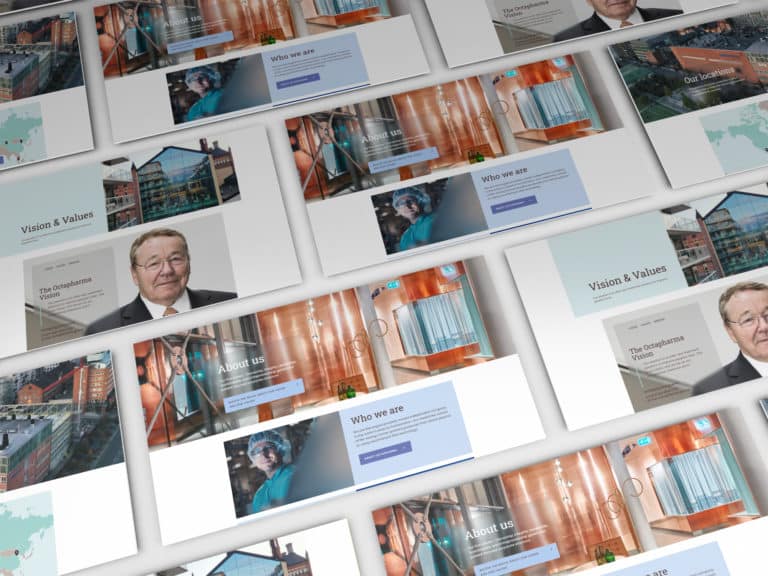 PharmaOctapharma Australia
 MedicalSunshine Coast & Wide Bay Gynaecology
 ExhibitionsElite Projex
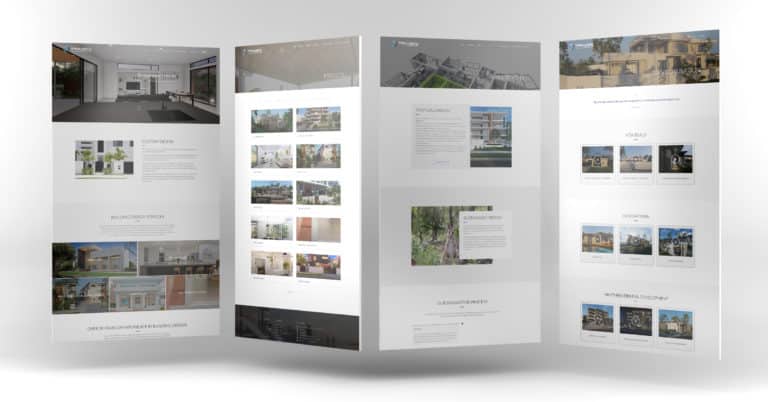 BuildingTaylor’d Distinction
 MedicalDr Sujie
Every project has its own audience, services and story. These examples show our work across the sectors named below each image.
View the full portfolioWhat people need to know before enquiring.
Begin with the supports you actually deliver and the places you work. Make the information useful to someone contacting you for the first time.
What each support involves
Explain the purpose of each support, who it is designed for and what delivery looks like in your organisation. Use practical descriptions alongside any formal service names. Where you list examples, make sure they reflect your actual offer, and give people a clear way to ask whether a service suits their circumstances.
Where support is available
Show the areas you cover and whether a service is delivered at home, in the community or at your premises, as applicable. Keep current availability separate from a general service description. If availability needs confirmation, say so and explain the enquiry process instead of implying that a place is immediately available.
A suitable way to make contact
Make telephone and online enquiry options easy to find. Let visitors explain whether they are contacting you for themselves, with someone else or as a referrer where that helps your team respond. State what happens after submission and provide the contact options your organisation can support, without promising an unconfirmed response time.
Information people can return to
Keep your starting process, service information and approved feedback or complaints routes easy to locate. Useful information should remain available after the initial enquiry. If you provide participant documents or alternative formats, give them descriptive names and keep their versions current, with important contact details available in the page itself.
We deliver.
You celebrate.
Seven steps from picking a package to showing off the result. No stage starts before you have signed off on the one before it, so you always know exactly where your project is.
Start my project-
Step 01
Select a package.
Pick the package that fits, or tell us what you need and we will scope it with you.
-
Step 02
First contact.
A call or a face-to-face meeting about your business and what the site has to do.
-
Step 03
Project proposal.
A written scope and a quote, based on that conversation. No surprises later.
-
Step 04
Sign the contract.
Contract signed and a 30% deposit paid, and your project starts — no queue.
-
Step 05
Initial design.
Your first website design, usually one to two weeks in, ready for your feedback.
-
Step 06
Revisions.
Three rounds of revisions to structure and content, until you are happy with it.
-
Step 07
Go live.
Your site launches, with the admin login and the training to run it yourself.
Can you build a website for a registered or unregistered provider?
We can discuss a website for either. Your organisation supplies and approves its provider details, registration wording and any logo artwork intended for use. The website should accurately describe the supports you offer and whom you serve. DIGITALON's role is to design the website; provider status and service information remain yours to verify.
What should our NDIS organisation prepare for the website?
Bring your support list, service areas, team information, current enquiry process and approved participant resources. Identify which staff will check the content and maintain it. For images, supply material you have permission to publish for the intended purpose. We can then outline the pages and identify gaps before design work depends on them.
Can participants and support coordinators use different enquiry routes?
Yes, if the distinction helps your organisation handle enquiries. A participant may need a short contact form while a coordinator may need a link to an established referral process. We agree the fields and recipients with your team. Collecting detailed plans or documents requires a separately considered workflow rather than simply adding an upload field.
How do we agree accessibility requirements?
Tell us about your audience, required standard and any assessment or reporting you need. That allows us to include the appropriate design and testing work in the proposal. Review the full visitor journey, including documents and external forms. We do not claim blanket accessibility compliance from a template, plugin or checklist alone.
Can we include Easy Read or translated information?
We can plan places for approved alternative formats and make them easy to find alongside the main content. Supply the versions your organisation has reviewed, or discuss the preparation work separately. Easy Read content needs its own treatment; shorter paragraphs alone should not be presented as an Easy Read version. Translations also need an owner for future updates.
How can we keep availability and vacancies current?
First decide whether the website will publish availability or ask people to contact you for confirmation. For published listings, agree who updates them and when they are reviewed or removed. WordPress content can be managed manually. Automatic updates from another system require a supported connection and a separate assessment of the work.
Can we keep our existing domain and useful support pages?
Where you control the domain, a redesign can normally retain it. We review existing support pages and documents with your team, plan which addresses to keep and map redirects where needed. Check that retained resources are still approved and current. Any content migration, document remediation and replacement intake links should be included in the agreed scope.
How do package sizes and continuing costs work?
Essentials has 5 pages, Standard 10 and Premium 20. Map your supports, locations and participant information before choosing. SEO setup begins with Standard and GEO setup with Premium. Ask for pricing through the package enquiry. Website maintenance, hosting, ongoing SEO, third-party subscriptions and custom integrations are separately scoped unless expressly included.