Websites for architects and building designers. Help clients see how you think.
Websites for architects and building designers that pair project imagery with clear service information. Built by DIGITALON’s Sunshine Coast team for practices across Australia.
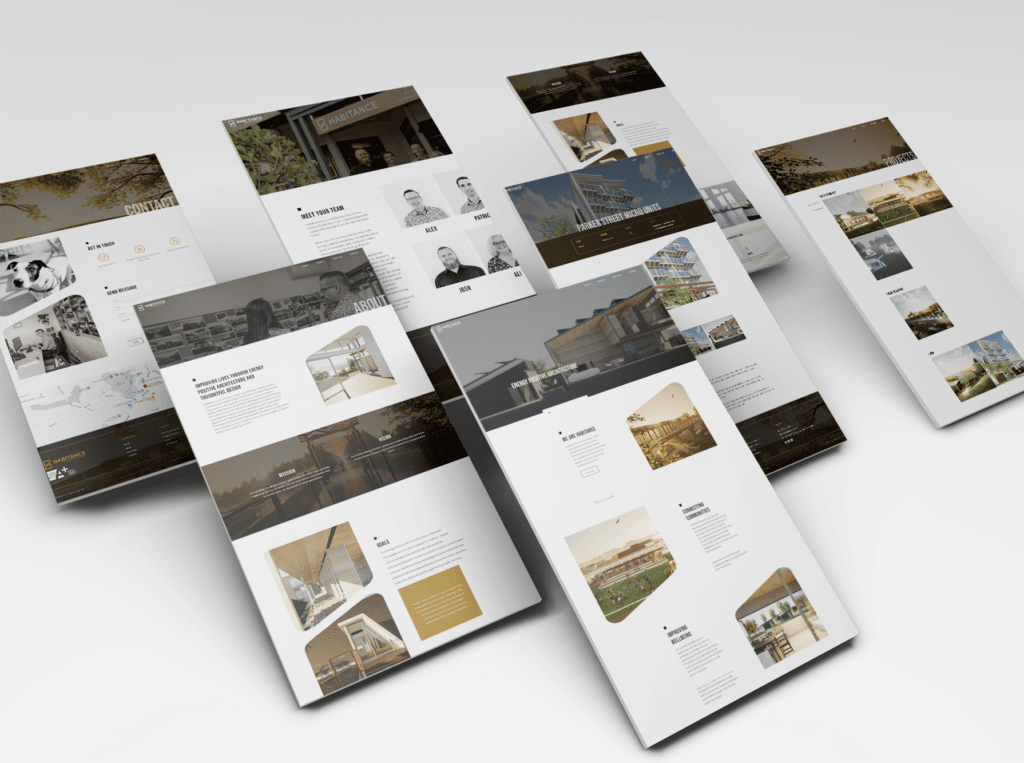
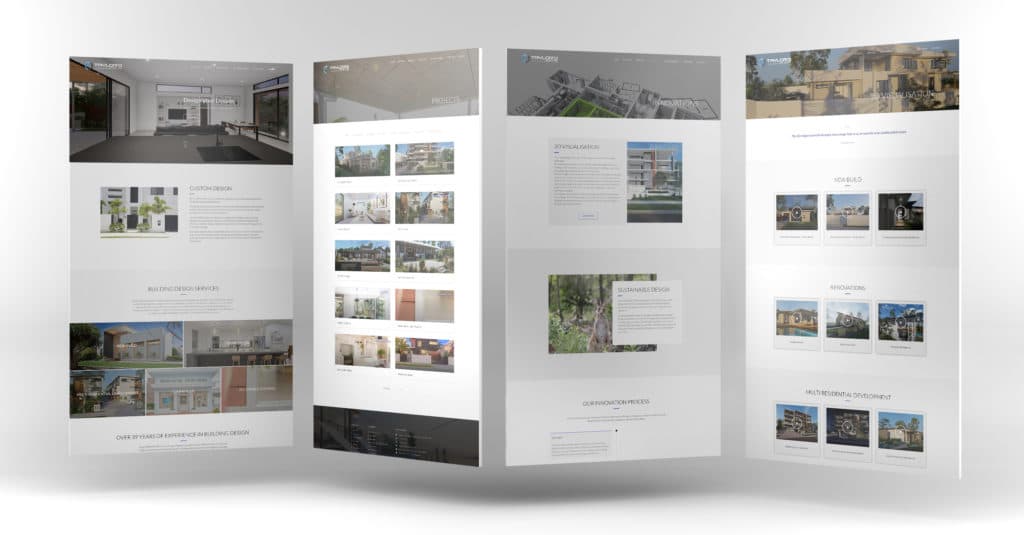
Real websites. Designed by DIGITALON.
A website built around your project material.
We agree the portfolio structure, editing needs and enquiry workflow before selecting features. Specialist tools and custom connections are scoped to your project.
01Project layouts that support the story
Combine photographs, drawings and short passages in a repeatable layout. A project can open with its main image, introduce the brief, then explain the response with relevant details. We plan links to related services and an enquiry action, giving readers somewhere useful to go after the final photograph.
02Images considered across screen sizes
The wide view and the construction detail have different jobs. We consider image order, proportions and captions so both make sense on a phone as well as a desktop. Readable text and clear navigation keep the work accessible beyond the images. Image preparation and loading are considered alongside the visual layout.
03An archive your team can maintain
Premium includes a self-editable portfolio or blog. We agree the information each project needs and how your team will add it in WordPress. Categories can help a larger archive; a smaller practice may need only a focused selection. The quote should define the launch content and any additional portfolio features.
04Enquiries that reach the right person
A straightforward form may be enough for a studio principal to review new work. If your practice uses consultation booking or customer management software, we can assess a supported connection. Routing rules, document uploads and custom integrations need an agreed scope, including who monitors enquiries and any external subscription costs.
A website with more
than good looks.
Design gets their attention. Clear information and an easy next step help them decide what to do with it.
Built to be found
A clear page structure, relevant content and a sound WordPress foundation. SEO setup starts with Standard, shaped around the services your customers search for.
Ready for the next search
GEO setup is included with Premium. Clear answers and structured information help search and AI tools understand your business, without promising a ranking or recommendation.
A clear next step
Calls, enquiry forms and supported booking connections belong where people need them. We plan each journey around the action your business wants a visitor to take.
Website design packages for architects and building designers.
Choose the space your services and story need. The same in-house design and development team, with a package to suit the scope.
Essentials
A focused website for a clear service offer.
5 custom-designed pages
- Australian designers and developers
- Mobile optimisation
- Self-editable content
- SSL certificate
- Links to your social media
- Royalty-free stock images
- Nightly backups
Standard
More room for your services, team and expertise.
10 custom-designed pages
- Everything in Essentials, plus
- Search engine optimisation (SEO)
- Image gallery with categories
- Smart image compression
- Customer testimonials slider
- WordFence firewall
Premium
A broader website with room for detailed content.
20 custom-designed pages
- Everything in Standard, plus
- AI search optimisation (GEO)
- Self-editable portfolio or blog
- Mega menu
- Google Analytics
- Spam protection technologies
- 1:1 website training
- Visitor insights reports
Digitalon was a terrific choice of supplier for the Website development component of the project. … The project was completed on-time, on budget while exceeding our expectations.
“Your expertise in web design, SEO, and so much more is amazing. Thank you for listening so carefully to our brief … It’s amazing to have DIGITALON just around the corner on the Sunshine Coast!”
“From the initial enquiry right through to the final handover their customer service was impeccable. … Their expertise is second to none, innovative & professional.”
“I am by no means tech savvy and they made it easy for me to understand everything … 100% happy with the website outcome!”
Good design.
Real websites.
A selection of DIGITALON websites across the industries we work with. Open a project to see the work in detail.
Architects & Building DesignersHabitanceArchitects & Building DesignersTaylor'd Distinction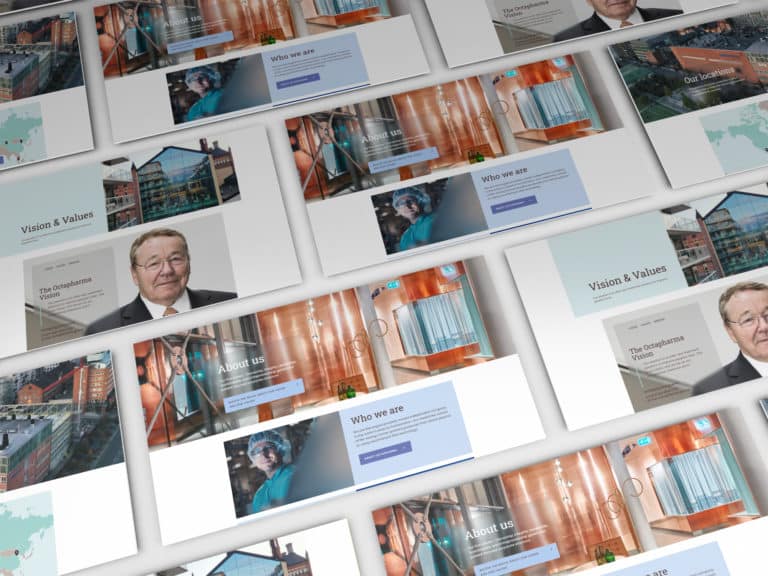 PharmaOctapharma Australia
 MedicalSunshine Coast & Wide Bay Gynaecology
 ExhibitionsElite Projex
 MedicalDr Sujie
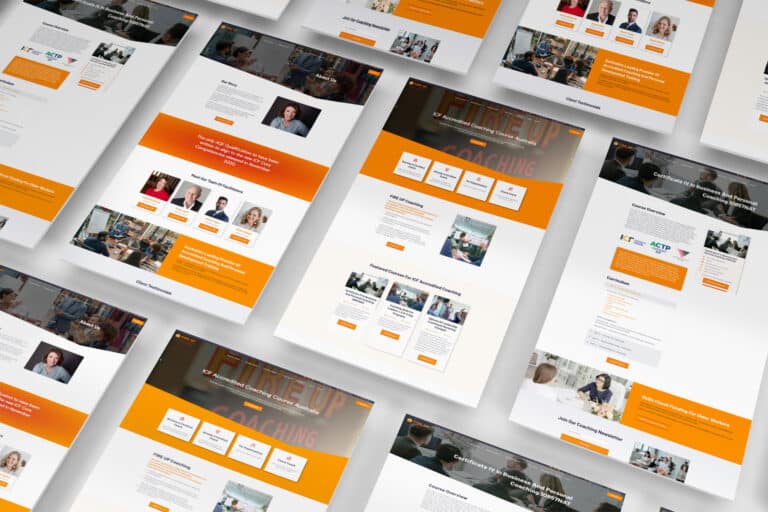 CoachingFIRE UP Coaching
Every project has its own audience, services and story. These examples show our work across the sectors named below each image.
View the full portfolioWhat prospective clients need to understand.
Let people move between the work they admire and the practical information they need before approaching your practice.
Projects with useful context
Make it easy to browse relevant work by project type, where that helps your audience. Give each selected project a concise brief, location at an appropriate level and a clear description of your involvement. Identify concept imagery and work in progress. Someone considering a renovation should be able to distinguish it from a new build.
Services with a clear starting point
Explain the stages your practice offers and how a client can begin. If your work includes feasibility, concept design or documentation, describe those services in ordinary language. Show how the stages relate and which can be commissioned separately. The site should reflect your actual scope, including where another consultant becomes involved.
A practice they can get to know
Introduce the people behind the work and explain how you collaborate with clients. Use the professional titles, qualifications and registrations your practice supplies and approves. Explain your design interests through specific projects or decisions. This gives a prospective client something more useful to discuss than a broad claim about timeless or innovative design.
A manageable first enquiry
Invite a short outline of the proposed work, its general location and the stage the client has reached. An indicative budget or timeframe can help establish fit, with room for someone who is still exploring. Explain the next conversation and how to arrange it. Detailed plans and large document sets can follow through an agreed channel.
We deliver.
You celebrate.
Seven steps from picking a package to showing off the result. No stage starts before you have signed off on the one before it, so you always know exactly where your project is.
Start my project-
Step 01
Select a package.
Pick the package that fits, or tell us what you need and we will scope it with you.
-
Step 02
First contact.
A call or a face-to-face meeting about your business and what the site has to do.
-
Step 03
Project proposal.
A written scope and a quote, based on that conversation. No surprises later.
-
Step 04
Sign the contract.
Contract signed and a 30% deposit paid, and your project starts — no queue.
-
Step 05
Initial design.
Your first website design, usually one to two weeks in, ready for your feedback.
-
Step 06
Revisions.
Three rounds of revisions to structure and content, until you are happy with it.
-
Step 07
Go live.
Your site launches, with the admin login and the training to run it yourself.
Questions about websites for design practices.
A few things to consider before planning your new website.
Let’s talkDo you build websites for building designers as well as architects?
Yes. We shape the content around the services and professional identity of your practice. A building designer may need to explain a different mix of work from an architectural studio. Your team supplies and approves its titles, credentials and service descriptions, so the site presents your role accurately and gives clients a clear idea of what to expect.
How many projects should we include at launch?
Choose a focused selection that represents the work you want to be approached for. Each project needs enough approved material to explain it well. If your archive is large, we can plan categories and a manageable first release. Confirm how individual project pages and later content additions are counted in the quote before choosing a package.
What makes a useful architecture portfolio website?
Clear selection and useful context matter as much as the opening image. Describe the brief, a meaningful site constraint and your response, then use the images to show those decisions. State your role and credit collaborators. Support claims about project performance or awards with information your practice can verify, and clearly label concepts and unbuilt work.
How should we prepare photographs, drawings and credits?
Gather original image files, a preferred selection for each project and the required photographer or collaborator credits. Confirm you have permission to publish the material. Supply captions and an agreed public project name; private addresses need not become page titles. Choose drawings that remain understandable on a small screen, with a short explanation of what they show.
Will we be able to publish new projects ourselves?
With an agreed editable portfolio, your team can add a project using the same structure as the existing work. At handover, we explain the content areas you will use. Assign someone to check image order, credits and project details before publishing. Major layout changes or new filtering features may need additional development beyond routine content editing.
Can you rebuild our current architecture website?
Yes. Start with an inventory of the projects and other pages worth retaining, including any linked articles or downloadable material. We review the existing URLs, plan necessary redirects and agree which content will move. Domain, hosting and email arrangements also need checking. The migration scope should account for the size and condition of your current archive.
Which website package fits an architecture practice?
Essentials provides 5 pages, Standard 10 and Premium 20. Standard adds an image gallery with categories; Premium adds a self-editable portfolio or blog. A compact practice introduction and a regularly updated project archive have different needs. Bring your intended page list and publishing plans so we can match the package or quote a custom scope.
What is included for search, and what costs extra?
SEO setup starts with Standard and GEO setup starts with Premium. Clear project descriptions, services and practice information give the site meaningful content for search. Rankings and AI recommendations cannot be guaranteed. Ongoing SEO, hosting, maintenance, external subscriptions and custom integrations are separate unless included in your quote. Request current package pricing, then discuss the work your practice needs.